How to Enroll Out-of-State Drivers in California's EPN Program
3 min read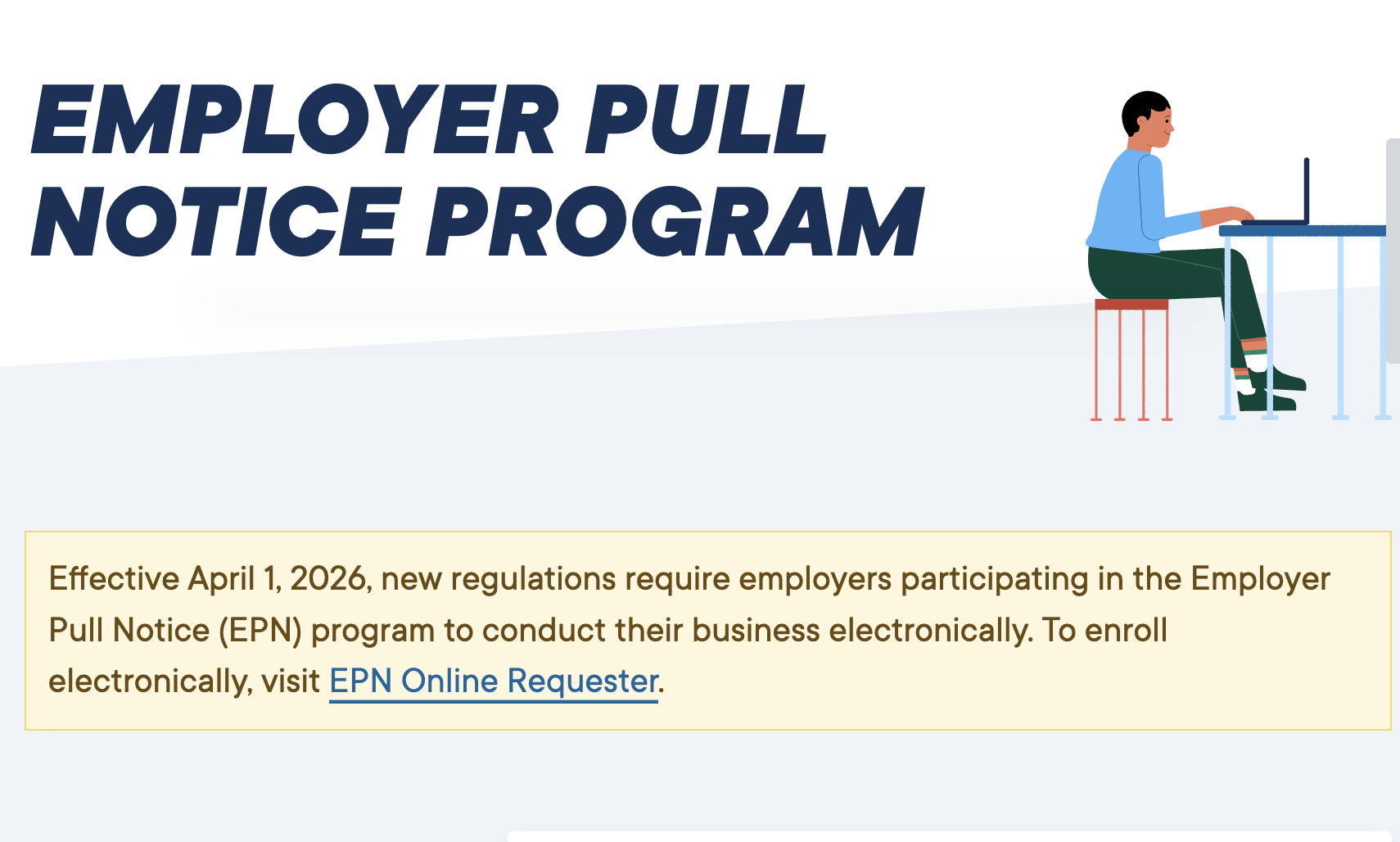
How to Enroll Out-of-State Drivers in California's EPN Program — A Step-by-Step Guide for Trucking Employers.
If you're a California-based trucking company or fleet operator hiring drivers with out-of-state licenses, you have specific legal obligations under the California DMV's Employer Pull Notice (EPN) Program. Failing to follow the correct enrollment process can expose your business to serious liability.
Here's exactly what you need to do.
The Employer Pull Notice (EPN) Program allows California employers to monitor the driving records of their employees. When a driver's record changes — a new violation, suspension, or accident — the DMV automatically notifies the employer. This keeps your fleet compliant and your roads safer.
But what happens when your driver holds an out-of-state license? The process has an extra step — and most employers miss it.
Step 1 — Complete Form INF 1102
Have your employee fill out Form INF 1102 — Enrollment of Out-of-State Licensed Drivers.
This form captures:
The driver's out-of-state license number
The state that issued the license
Personal identification information
Assign an "X" Number. Because the driver does not have a California driver's license, the DMV will need to track them using an index number beginning with the letter "X". You will utilize this "X" number in place of a California Driver License (CDL) number on all subsequent documentation. This is the foundational document for enrolling any driver who is licensed outside of California into your EPN account.
Download
Step 2 — Submit to the California DMV Online
Once the form is completed and signed, submit it to the California DMV. Under EPN program regulations, all employer submissions must be processed electronically — paper submissions are not accepted.
Log in to the California DMV EPN Online Requester Portal to complete your submission:
👉 dmv.ca.gov — Vehicle Industry Services → Motor Carrier Services → EPN Program
Make sure your business EPN account is active before submitting. If you haven't enrolled your business yet, you'll need to do that first through the same portal.
Step 3 — Request an MVR From the Driver's Home State (Highly Recommended)
Here's something many California employers don't realize: the California DMV does not actively monitor out-of-state driving activity. If your driver gets a violation or suspension in their home state, California won't automatically know about it — and neither will you.
To protect your business, request a Motor Vehicle Record (MVR) directly from the driver's home state:
Why This Matters for Your Trucking Business
Hiring out-of-state drivers without proper EPN enrollment puts you at risk of:
DOT audit violations
Insurance coverage gaps
Liability in accident claims if the driver had an undisclosed record
Staying compliant isn't just about following the law — it protects your business, your insurance rates, and your reputation.
Need Help Navigating Trucking Compliance?
At Awahe Academy, we train dispatchers, freight brokers, and trucking professionals on everything from day-to-day operations to regulatory compliance. Our live one-on-one training is delivered in English, Punjabi, and Hindi — designed specifically for the South Asian trucking community and beyond.
📱 Download the Awahe app or visit awahe.com to explore our training programs.
Keep reading
Not sure which program fits?
Talk to our team and we will match you with the right training program, explain the requirements, and get you enrolled the same week.